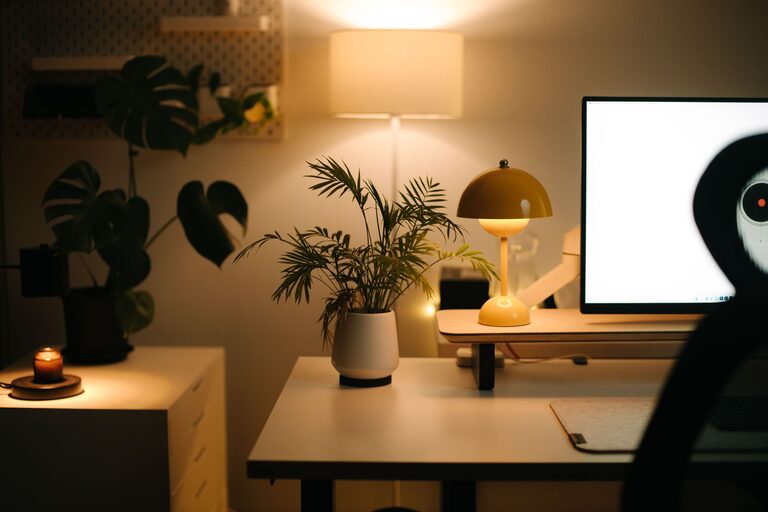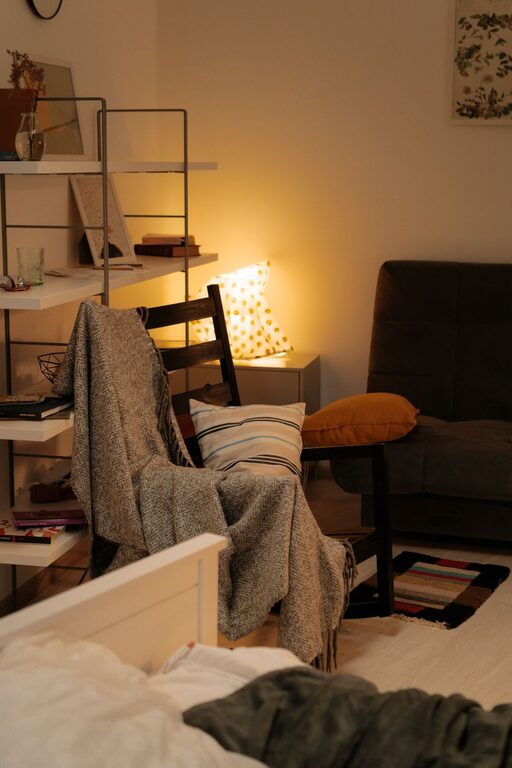

Creating a home office that balances comfort with productivity can transform your work-from-home experience. Whether you’re setting up a new space or enhancing an existing one, thoughtful design choices can help you stay focused and feel relaxed. Here are practical tips to build a cozy and productive home office space.
1. Choose the Right Location
Consider Natural Light
Placing your desk near a window brings in natural light, which can improve mood and reduce eye strain. Aim for a spot where you can get gentle sunlight without glare on your screen.
Minimize Distractions
Find a quiet corner or room away from noisy areas like the living room or kitchen. This helps maintain focus and separate your work zone from relaxation spaces.
2. Invest in Comfortable Furniture
Ergonomic Chair and Desk
Your chair should support your lower back and allow your feet to rest flat on the floor. An adjustable desk or sit-stand setup can promote better posture and reduce fatigue.
Adequate Desk Space
Make sure your desk has enough room for your computer, notebooks, and any other tools you regularly use. Clutter-free surfaces encourage productivity.
3. Organize Efficiently
Use Storage Solutions
Shelves, drawers, and organizers keep supplies tidy and easy to find. Consider vertical storage to save floor space.
Keep Frequently Used Items Close
Items like pens, notepads, and chargers should be within arm’s reach for convenience. This avoids unnecessary interruptions while working.
4. Personalize Your Space
Add Comfort Elements
Cozy blankets, cushions, or a soft rug make your workspace inviting. Personal touches can increase happiness and creativity.
Incorporate Plants
Greenery boosts mood and air quality. Small potted plants or succulents are easy to care for and brighten your desk.
5. Optimize Lighting
Combine Natural and Artificial Light
In addition to natural light, use a desk lamp with adjustable brightness. Warm lighting can be soothing during late hours, preventing eye strain.
Avoid Glare and Shadows
Position your light sources so they don’t cast shadows on your work area or create screen glare.
6. Manage Cables and Tech
Keep Cables Tidy
Use cable clips or sleeves to prevent tangling. A clean setup reduces distractions and accidents.
Invest in Reliable Tech
A fast computer, quality headphones, and stable internet connection are essential for smooth work sessions.
7. Establish Boundaries
Define Work Hours
Set specific times for work and breaks to maintain balance and prevent burnout.
Create Visual Cues
A desktop organizer or a simple divider can signal when you’re “at work,” helping family members respect your space.
8. Incorporate Movement
Take Breaks
Stand, stretch, or walk every hour to refresh your mind and body.
Use a Standing Desk Option
Alternating between sitting and standing can enhance energy and focus throughout the day.
9. Keep It Clutter-Free Daily
Spending a few minutes at the end of each day to tidy your workspace sets you up for a productive start tomorrow.
Final Thoughts
Designing a cozy and productive home office doesn’t have to be complicated. Prioritize comfort, organization, and personalization to create a space where you can focus and enjoy your work. With these tips, your home office will become a place you look forward to spending time in every day.
About the Author