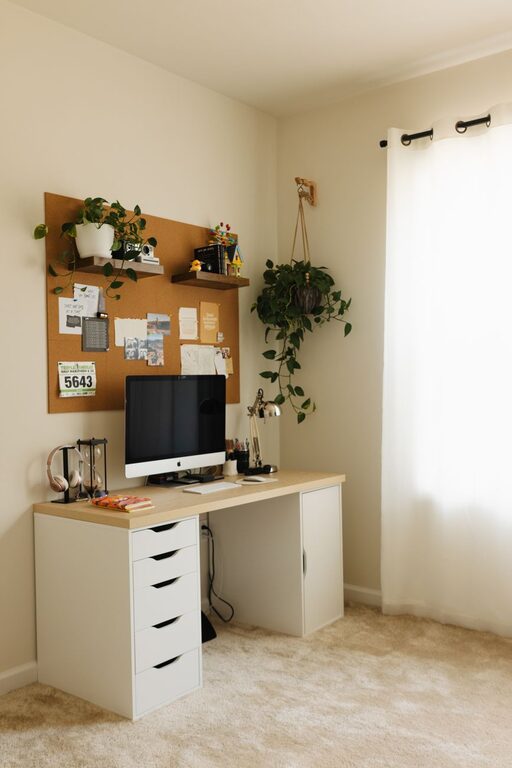
Creating a home office that is both relaxing and productive can make a significant difference in your work-from-home experience. A well-designed workspace helps you stay focused, reduces stress, and encourages a healthy work-life balance. Whether you’re setting up a dedicated room or a small corner in your home, the following tips can guide you in crafting an environment tailored to your needs.
Choose the Right Location
Consider Natural Light
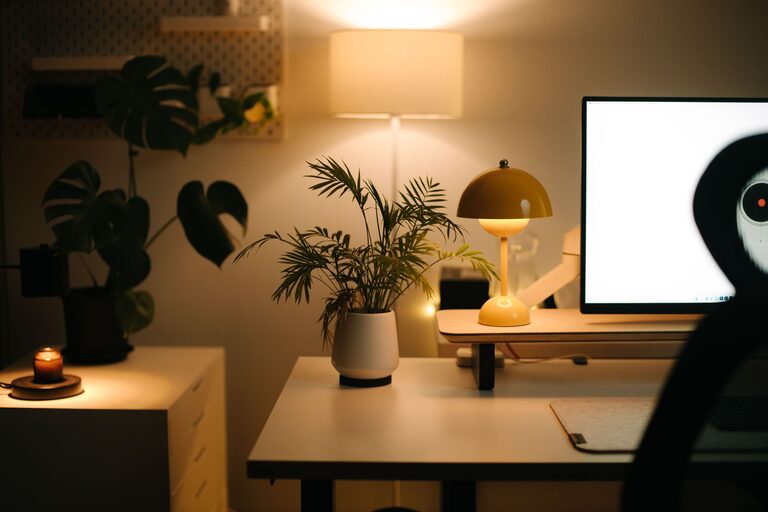
Whenever possible, position your desk near a window to take advantage of natural light. Daylight improves mood and alertness, making your work hours more enjoyable. If natural light is limited, invest in quality artificial lighting that mimics daylight to avoid eye strain.
Minimize Noise and Distractions
Select a quiet spot away from high-traffic areas in your home. If ambient noise is unavoidable, consider noise-canceling headphones or a white noise machine to help you maintain focus.
Invest in Comfortable and Functional Furniture
Ergonomic Chair and Desk
Comfort is key to productivity. Use an ergonomic chair that supports your back and encourages good posture. Your desk should be at a height that allows your arms to rest comfortably while typing or writing.
Adequate Workspace
Ensure your desk surface has enough room for your computer, notebooks, and other essentials. An uncluttered workspace helps keep your mind clear.
Organize Effectively
Declutter Regularly
A cluttered desk can distract you and hinder productivity. Use organizers, trays, or drawers to keep items neat and accessible. Take a few minutes each day to tidy your space.
Use Storage Solutions
Shelving units, filing cabinets, and boxes help you store documents and supplies systematically. Label containers for easy retrieval.
Personalize Your Office
Add Calming Elements
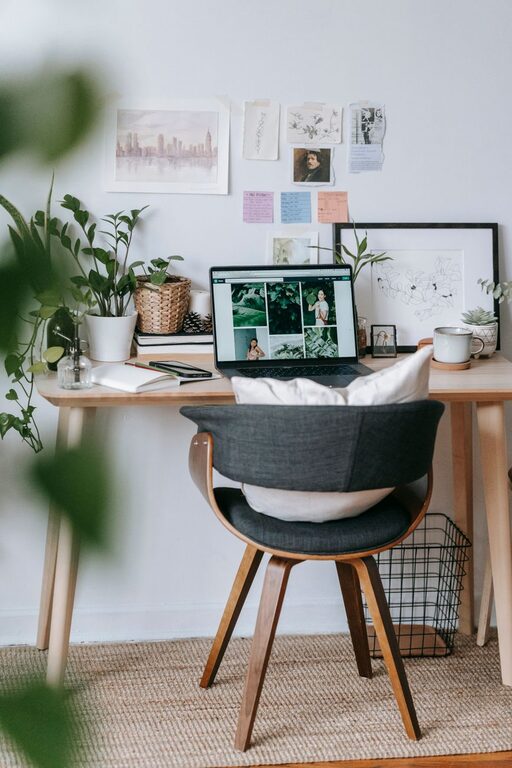
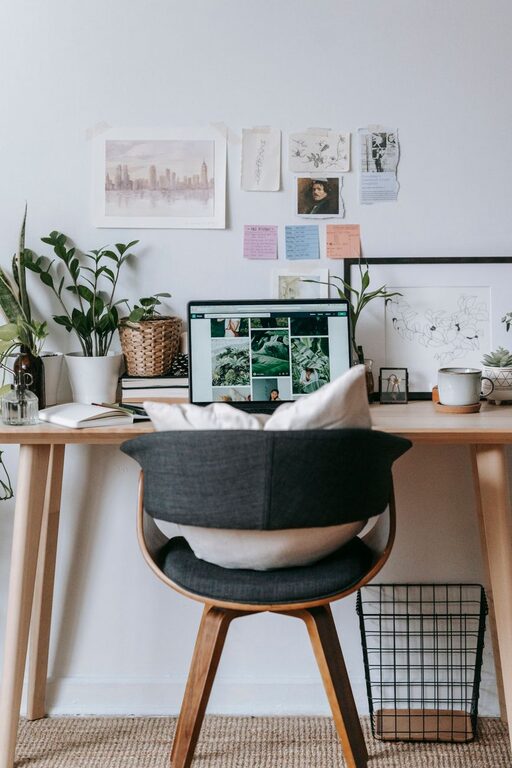
Incorporate plants, artwork, or inspirational quotes that make the space inviting. Plants not only enhance aesthetics but also improve air quality and reduce stress.
Choose Soothing Colors
Colors affect mood; soft blues, greens, or neutral tones tend to create a calm atmosphere. Avoid overly bright or distracting colors.
Manage Technology Wisely
Use Cable Management
Tidy cables using clips or sleeves to prevent tangling and maintain a clean look. This reduces visual clutter and potential safety hazards.
Select the Right Equipment
Ensure your computer, monitor, keyboard, and other devices are suitable for your tasks. Consider dual monitors or adjustable stands to enhance ergonomics and productivity.
Establish Boundaries and Routine
Define Your Work Hours
Set clear start and end times to create a work-life balance. Inform family members or roommates about your schedule to minimize interruptions.
Take Breaks
Regular breaks are essential for maintaining focus and reducing fatigue. Use methods like the Pomodoro Technique to schedule work intervals and rest periods.
Improve Air Quality and Comfort
Ventilation
A well-ventilated room helps maintain concentration and comfort. Open windows or use an air purifier when necessary.
Temperature Control
Keep the temperature comfortable, not too hot or cold, to avoid distractions caused by discomfort.
Incorporate Relaxation Spaces
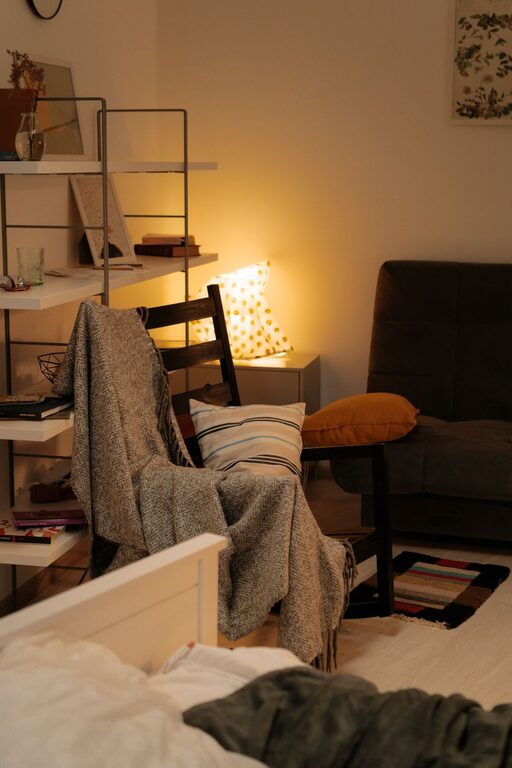
If space allows, create a small area with a comfortable chair or cushions where you can briefly relax or meditate during breaks. Having a dedicated spot to unwind can improve overall well-being.
Keep a Healthy Work Environment
Hydration and Snacks
Keep a water bottle handy to stay hydrated throughout the day. Healthy snacks like nuts or fruit can help maintain energy.
Movement and Stretching
Incorporate stretching or light exercise into your routine to reduce stiffness and promote circulation.
—
By thoughtfully arranging your home office with these tips, you can create a space that supports both relaxation and productivity. Remember that your environment should adapt to your personal preferences and work style — the goal is a comfortable, organized, and inspiring workspace that enhances your daily work experience.
About the Author